
Returns & Exchanges
How to Return or Exchange
Changed your mind or need a different size? Raising a return or exchange takes under a minute from your account. Here's exactly how.
Open your order
Sign in and go to My Account → Orders, then open the delivered order you'd like to return or exchange.

Start your return
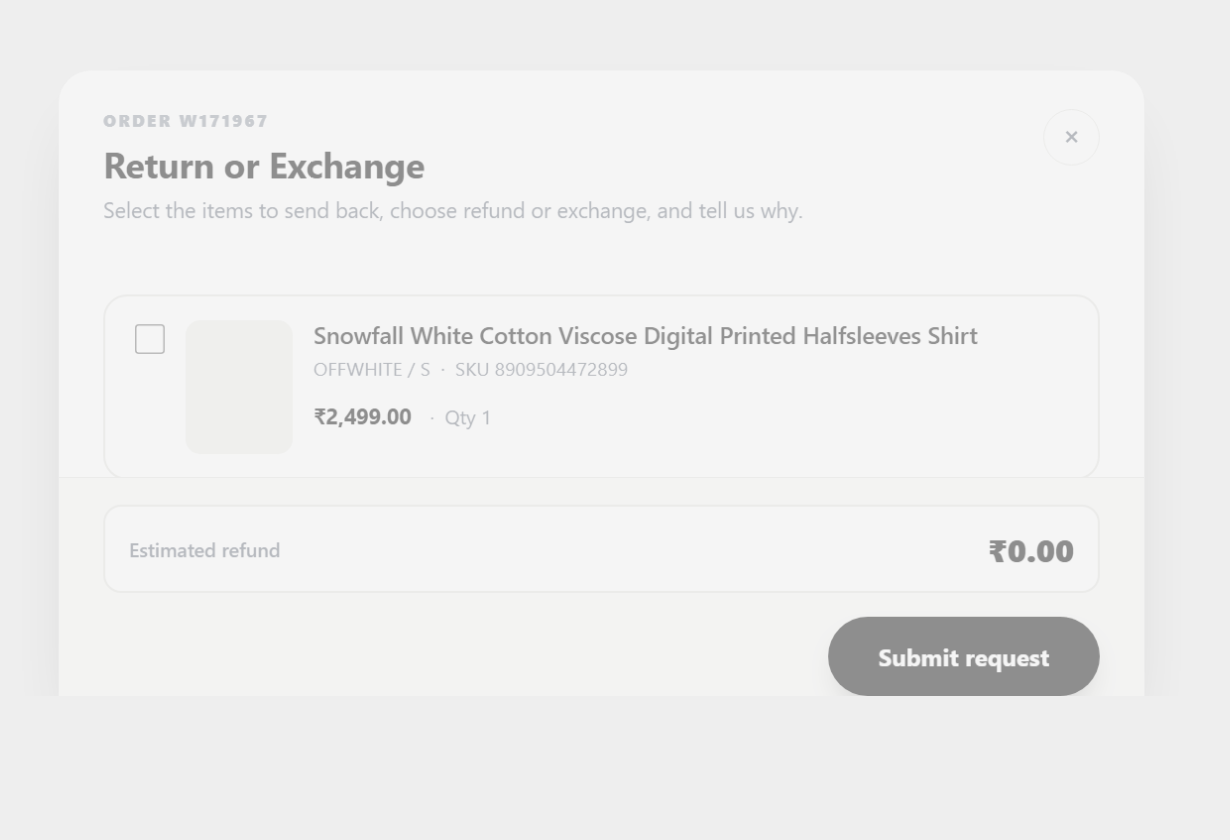
Click Request a Return / Exchange, then tick the item(s) you want to send back.
Choose how to resolve it
For each item, set the quantity, pick a reason, and choose Refund or Exchange — for an exchange, select the new size. Paid by Cash on Delivery? Add your bank account holder name so we can process your refund.

Submit & you're done
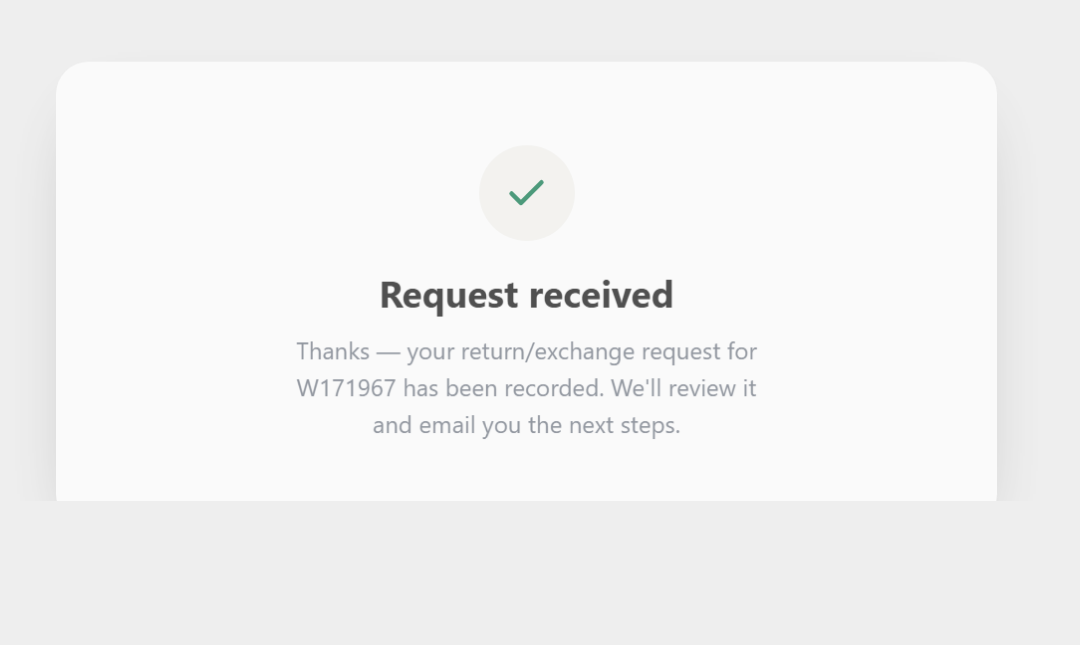
Review your estimated refund and hit Submit request. You'll see a confirmation right away, and we'll email you the next steps to send the item back.
Good to know
- You have 30 days from delivery to raise a return or exchange.
- Each product can be returned once — after you return a product, the rest of your order can still be returned separately.
- Prepaid orders are refunded to your original payment method; COD orders are refunded to the bank account you provide.
- Choosing an exchange? Pick your new size in the same step and we'll ship the replacement.
Ready to start?
Head to your orders and raise a return or exchange in a couple of taps.
Go to My Orders Still need help? Contact us